Linux disks on the Mac,
read and written.
Plug in a USB drive or the SD card from a Raspberry Pi and it shows up in the Finder like any other disk — ext2, ext3 and ext4, no Terminal, no kernel extension. Writing to ext4 goes through the disk's own journal, the way Linux does it.
Free to read · writing €4.99 one-time · macOS 27 or later · Apple silicon
A Linux disk that behaves like a disk.
Extent is a file system extension built on FSKit, the framework Apple ships for exactly this. Nothing to allow in Recovery, nothing running as root, nothing left behind when you remove the app.
Every ext there is
ext4, ext3 and ext2 as Ubuntu, Debian, Fedora and Raspberry Pi OS format them: checksums, 64-bit, extents, indexed directories, extended attributes, symbolic links and permissions.
Mounts itself
Plug the disk in and it is in the Finder and in every app, with the files where Linux left them. Disk images open too — drop an .img on the window.
Writing with the journal
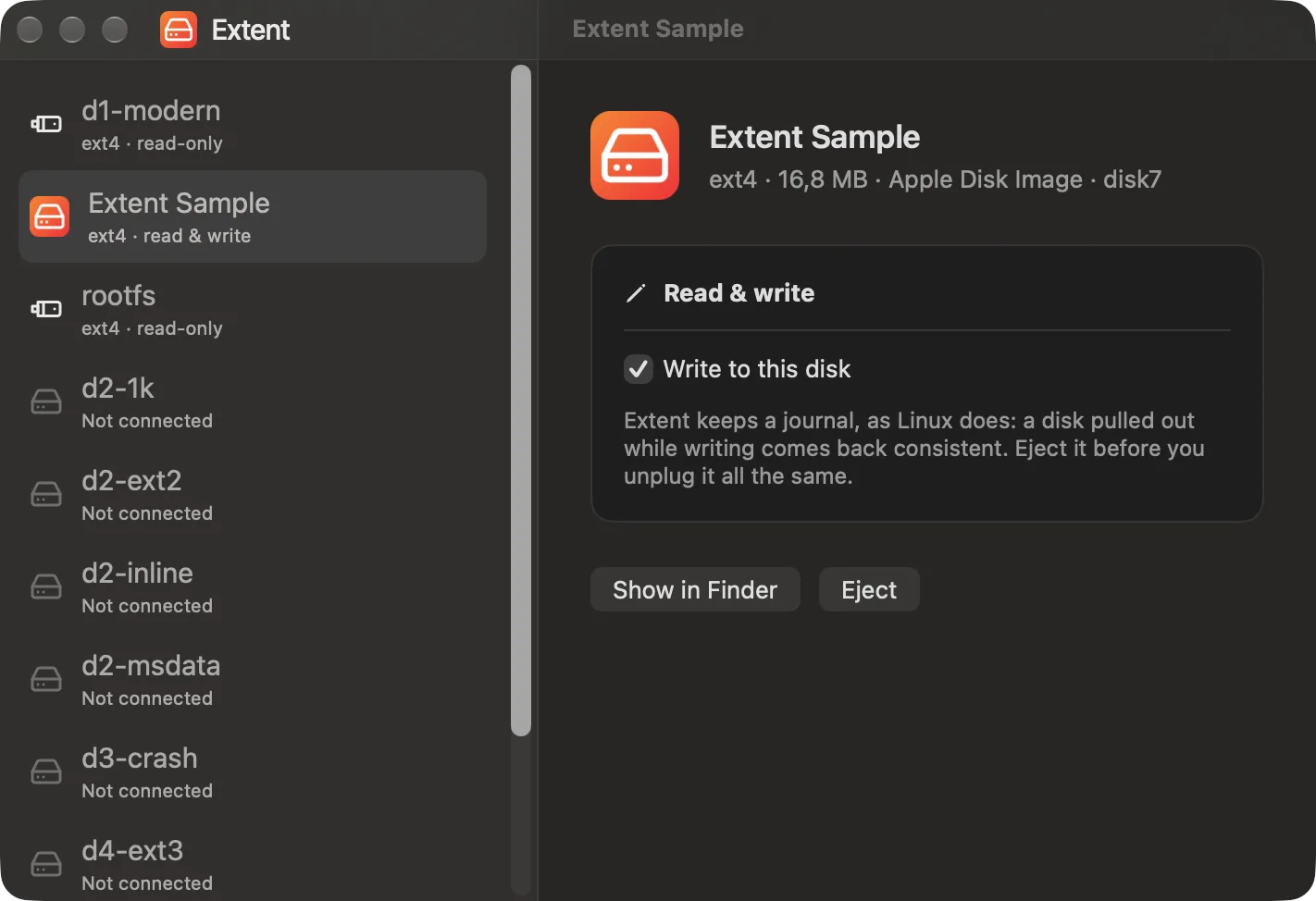
Create, change, rename and delete on ext4. Every change travels through the disk's journal, as on Linux, so a disk pulled out mid-write comes back consistent.
A card straight from the Pi
A disk that left Linux without being ejected reads as Linux itself will see it once it finishes its journal. Nothing to repair first, nothing to mount by hand.
Off until you say so
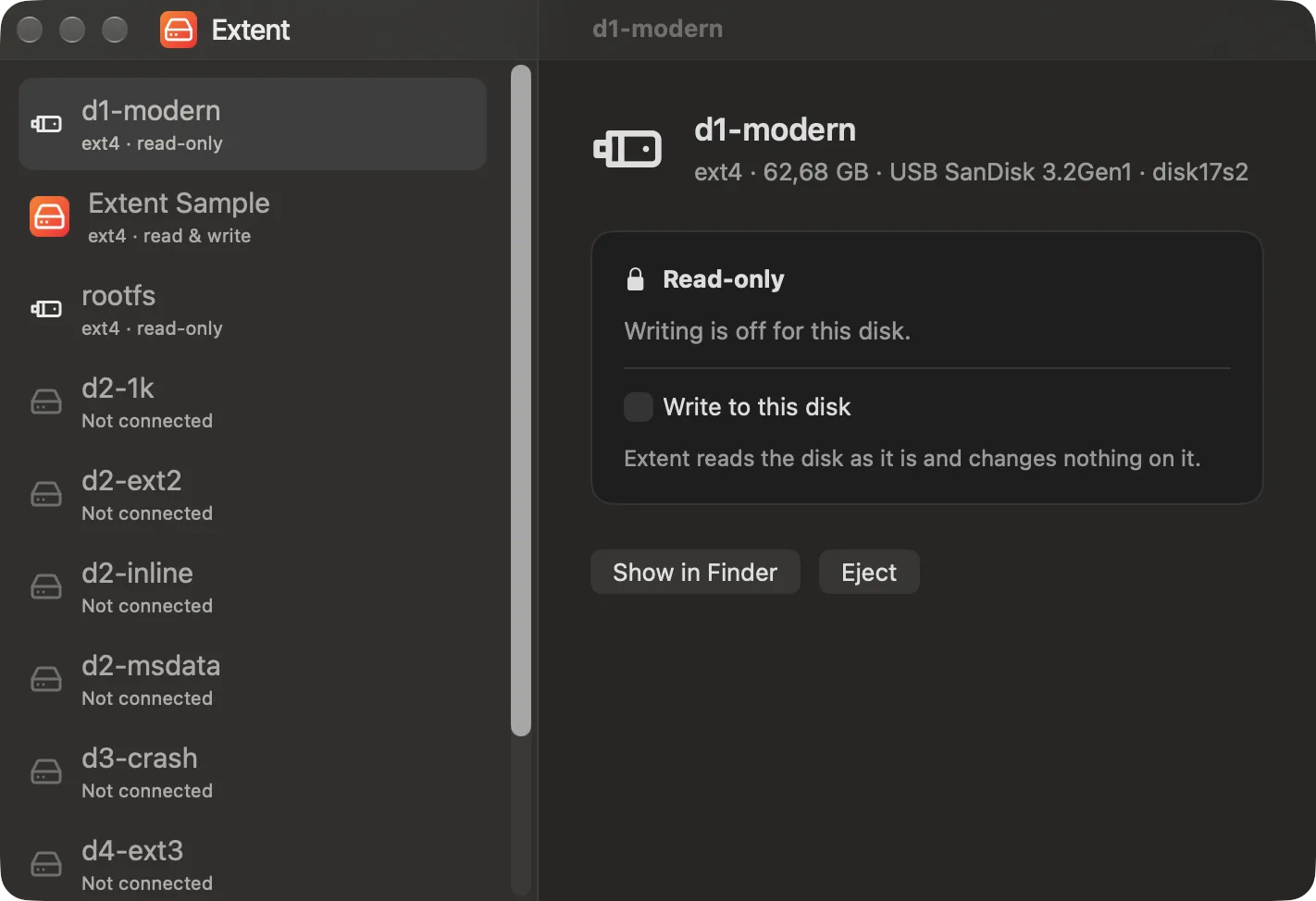
Writing stays off, disk by disk. A disk carrying damage that Linux recorded stays read-only until it has been checked there — and Extent tells you that's why.
Says why, in words
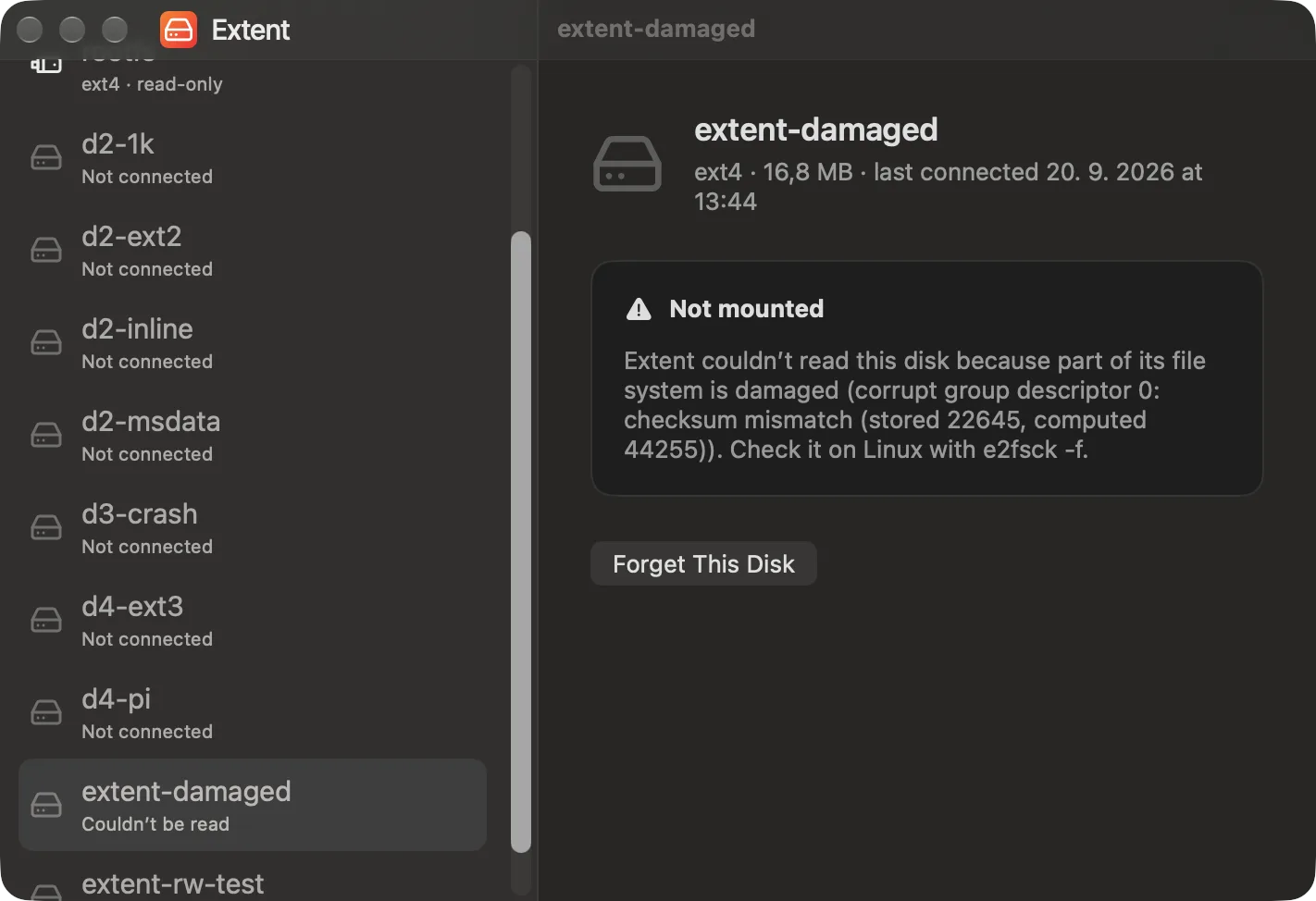
When a disk stays read-only or won't mount at all, the reason is a sentence with the next step in it, not an error code. Help › Copy Diagnostics gathers the details.
What you actually see
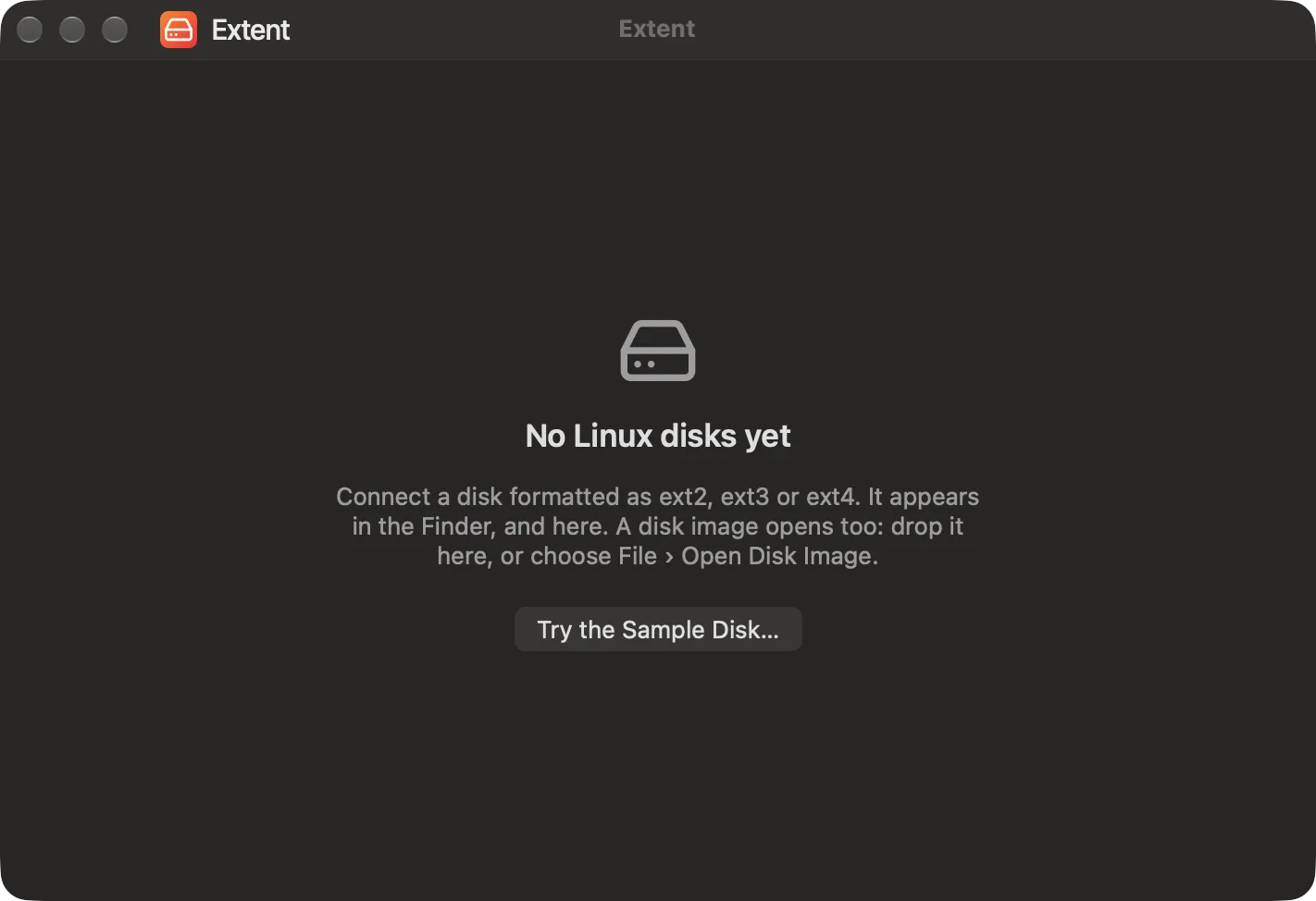
The disks, what each one allows, and what Extent says when a disk can't be read.
The part everything else gets wrong.
Writing to ext4 is where a driver either respects the file system's journal or quietly damages it. Extent writes the way the kernel does: changes gather into a transaction, the transaction commits to the journal, and only then does the disk itself change.
- Tested by pulling the cable mid-write: every file that had been saved was intact and the disk came back clean
- Checked against Linux — what Extent writes passes
e2fsck -fn, and Linux reads it back exactly - ext4 with a journal and extents; ext2, ext3 and features Extent can't write yet stay read-only
- A disk with recorded damage is never written to
Three things, once.
A file system extension is something macOS wants you to turn on yourself. After that, disks simply appear.
Open Extent
The window lists the Linux disks it knows — the ones connected now and the ones it has seen before.
Turn the extension on
System Settings › General › Login Items & Extensions › File System Extensions. The window has a button that opens that pane for you.
Plug the disk in
It mounts for reading. Turn writing on for the disks you mean to change, then reconnect them.
Read for free. Write once, pay once.
No subscription, no account, no upgrade prompts. Reading every disk Extent supports stays free.
Unlocks writing on all your disks, on every Mac signed in to your Apple Account. Family Sharing included.
- Reading ext2, ext3 and ext4 — free, with or without the purchase
- Writing to ext4 disks with a journal, through that journal
- A switch per disk, so a disk you only read can't be written by accident
- Fully offline: nothing about your disks ever leaves the Mac
From the maker of Preview3D, PreviewMD and PreviewSVG.